
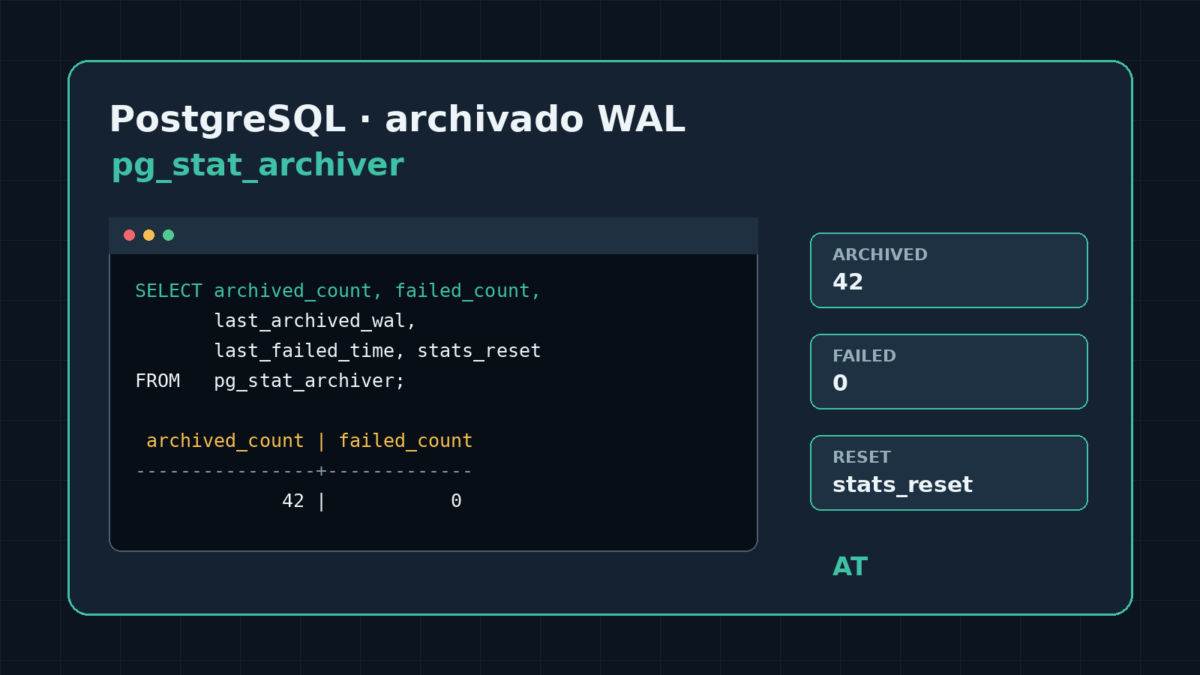
How can you tell whether PostgreSQL is archiving its WAL files? The pg_stat_archiver view shows the most recently processed files, archiver failures, and when its counters were reset.
Check the archiver status
Run this query from the PostgreSQL instance:
SELECT
    archived_count,
    failed_count,
    last_archived_wal,
    last_archived_time,
    last_failed_wal,
    last_failed_time,
    stats_reset
FROM pg_stat_archiver;
archived_count and failed_count are cumulative counters since stats_reset. The last_archived_* columns show the most recently archived segment, while last_failed_* show the most recently recorded failed attempt.
Interpret the result
If archiving is disabled or no segment has yet been archived, the latest-file columns and their timestamps may be empty. Do not confuse these values with the current size of WAL files: this view summarizes archiver activity.
A high failed_count value indicates failures since the statistics were last reset, but to investigate the problem you should also check the archiving configuration and PostgreSQL logs.