What command starts a Docker container? docker inspect lets you check the image and the Entrypoint and Cmd fields saved in its configuration.
Check the image and command
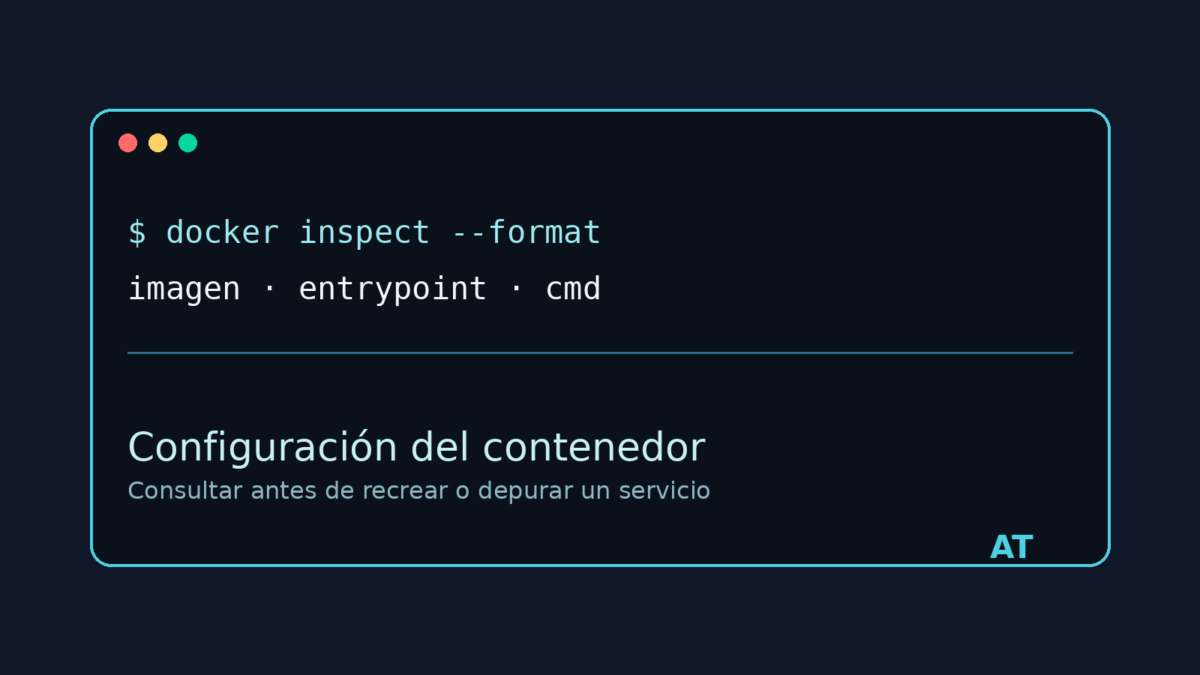
docker inspect --format 'imagen={{.Config.Image}} entrypoint={{json .Config.Entrypoint}} cmd={{json .Config.Cmd}}' NOMBRE_O_IDConfig.Image indicates the image used to create the container. Entrypoint and Cmd show the saved configuration, not necessarily the process that is still running at that moment.
Check each field separately
docker inspect --format '{{.Config.Image}}' NOMBRE_O_ID
docker inspect --format '{{json .Config.Entrypoint}}' NOMBRE_O_ID
docker inspect --format '{{json .Config.Cmd}}' NOMBRE_O_ID
If a field was not configured, Docker may show null or an empty output. When Cmd contains a command defined as a list, json preserves its arguments without mixing spaces or quotation marks.
View the complete configuration
docker inspect NOMBRE_O_IDThe configuration helps determine how the container was created and reproduce it, but it does not replace docker top to view the current process or docker logs to review its output.